
Microsoft Kills Outlook's Copilot Themes — No Going Back
By TechPulse USA Staff | October 14, 2026
Microsoft is killing a Copilot feature in Outlook, and if you like the theme it gave you, you had better not touch the settings menu. Change it once, and it is gone for good.
That is the quiet sting inside an otherwise boring admin notice. Microsoft 365 Message Center notice MC1492954, published October 9, says Themes by Copilot in Outlook will be retired worldwide from mid- to late October 2026. Users with a Copilot licence will lose the ability to select these themes, or to return to one after switching away. Their current theme stays put until they change it. No action is required. No reason is given.
Read that last sentence again, because it is the whole story. Microsoft is retiring something it once used to sell people on the new Outlook, and it cannot be bothered to say why. The notice itself is three paragraphs of administrative shrug. Somewhere in Redmond, somebody had to write a retirement announcement for a feature that once had its own launch fanfare, and the explanation they were given was nothing at all.
Anyone who ever set one of these themes knows the small pleasure of it. Open Outlook on a grey Monday, and your inbox arrives wearing a watercolour of somewhere sunnier. That was the pitch: pick a weather type or a place, choose a style, and Copilot would paint your inbox to match. Now the paint is drying, permanently, and the brush is being taken away.
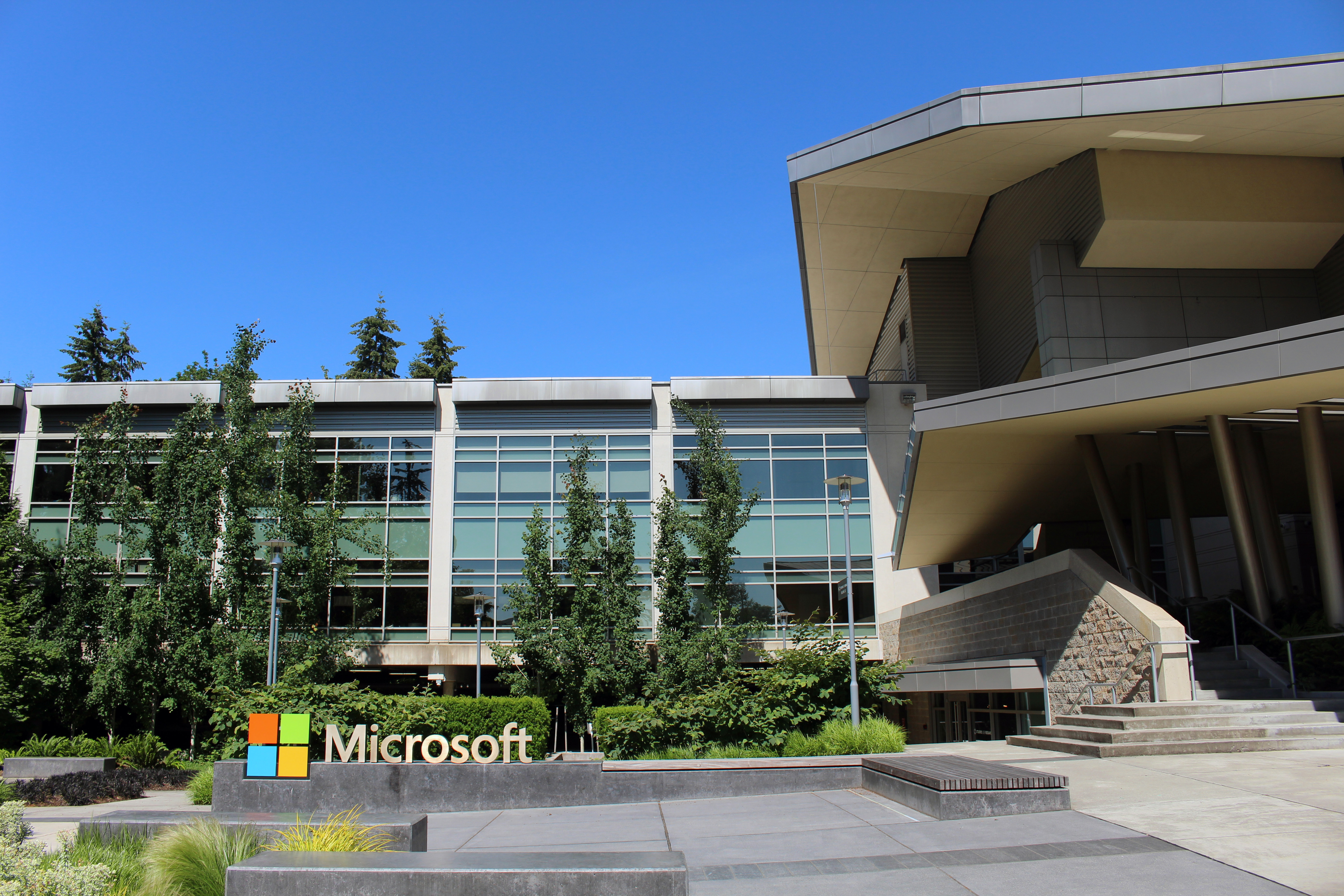
File photo: Building 92 at Microsoft's headquarters campus in Redmond, Washington. (Photo: Coolcaesar / Wikimedia Commons, CC BY-SA 4.0)
What exactly is disappearing
Let us be precise, because the panic version of this story is already circulating and it is wrong. Outlook is not losing Copilot. Outlook is not losing themes. It is losing one specific feature: Themes by Copilot.
The feature let people with a Copilot licence generate a custom Outlook theme from the Appearance settings. According to gHacks' account of how it worked, users could start from a weather type or a location, their own or one of more than 100 curated destinations, then pick a style: realistic, oil painting, or cartoon. Each generated theme combined a wallpaper, shown as the background on desktop or at the top of the mobile apps, with a matching accent colour for the rest of the interface. Refresh intervals ranged from every few hours to daily, weekly, or monthly.
Here is what the retirement notice actually says will happen, in Microsoft's own words: "Themes by Copilot in Microsoft Outlook will be retired worldwide from mid- to late October 2026. Users with a Copilot licence will lose the ability to select or revert to these themes, though current themes remain until changed. No action is required."
Three details matter. First, the scope: the retirement covers New Outlook for Windows, Outlook for Mac, Outlook on the web, and the Outlook apps for iOS and Android. Second, the freeze: themes set to refresh automatically will stay applied but stop refreshing, keeping whatever imagery they show at the moment of retirement. Third, the trapdoor: you can switch from a Copilot theme to an ordinary one, but you cannot switch back.
Microsoft's standard, non-AI themes are unaffected, and users without a Copilot licence are untouched. So the practical advice is simple: if you like your Copilot theme, leave it alone. Do not go browsing the Appearance menu out of curiosity. Curiosity is now a one-way door.
Windows Latest, which spotted the notice on October 13, also reports that Outlook's "Wrap up your day" Copilot nudge, the prompt that kept pushing users to generate an inbox brief, is being killed off too. The outlet says it is unclear whether Microsoft might bring that one back. Treat that as a separate, smaller cut, but the direction is the same.
The seven-month retreat
None of this arrived out of nowhere. The themes retirement is the latest instalment of a pullback that began with a remarkable blog post on March 20, 2026, when Windows chief Pavan Davuluri published "Our commitment to Windows quality" and effectively apologised for years of accumulated annoyance.
The Copilot passage was the one that made people sit up. "You will see us be more intentional about how and where Copilot integrates across Windows, focusing on experiences that are genuinely useful and well-crafted," Davuluri wrote. "We are reducing unnecessary Copilot entry points, starting with apps like Snipping Tool, Photos, Widgets, and Notepad."
Seven months later, Windows Latest audited those promises on October 12, and the scorecard is surprisingly good. The movable taskbar shipped. Update pauses of up to 35 days shipped. A single monthly restart, bundling driver, .NET and firmware updates together instead of demanding a reboot for each, shipped, starting with updates released on and after July 28. The Copilot button is gone from Snipping Tool and Photos. In Notepad, the Copilot branding was renamed to the far plainer "Writing tools", with the AI features still inside and switchable in Settings. A March pause to auto-installing the Microsoft 365 Copilot app turned out to be temporary, Microsoft blaming a technical issue and resuming the rollout in June. The same outlet observed Microsoft easing off the Copilot+ PC label, though the brand was back on stage at Microsoft's October 7 event. By September, Windows Latest reports, Microsoft was also undoing much of the MSN-heavy clutter it had added to the lock screen.
The audit also lists what has not arrived: the Start menu rebuilt on WinUI 3, a setup process with fewer pages and reboots, and gamepad support for creating a Windows Hello PIN on handhelds. Those remain promises. But the Copilot half of the pledge is, by Windows Latest's reckoning, mostly delivered.

File photo: desks in an open-plan office. Outlook's Copilot themes are retiring; the inbox itself is not going anywhere. (Photo: Crew / Wikimedia Commons, CC0)
The other Copilot is thriving
Here is the twist that makes this story interesting rather than just another obituary for a minor feature. While Copilot is being scrubbed off the chrome of Windows and Outlook, the Copilot that actually makes money is having a very good year.
On Microsoft's fiscal fourth-quarter earnings call on July 29, the company said Microsoft 365 Copilot had passed 30 million paid seats, with net seat additions more than doubling from the previous quarter. Chief executive Satya Nadella told investors that conversations per user had nearly doubled year over year and that average weekly engagement was on par with Outlook and Teams. Those are company-reported figures, not independent measurements, and a paid seat is not the same thing as an active user. But the direction is unambiguous: enterprises are buying Copilot in bulk, even as consumers recoil from it in their personal apps.
Then, on October 9, the very week the themes retirement notice went out, Microsoft began rolling out Office inside Copilot to Frontier customers, its early-access programme. Word, Excel and PowerPoint can now be created and edited inside the Copilot app, starting from Chat or Cowork, with files stored in OneDrive and shared through a Library view. The pitch is that you never have to leave the AI workspace to finish real work.
The timing is not a coincidence; it is the strategy. Copilot is retreating from the places where it was decoration and advancing into the places where it does work. Microsoft's chief marketing officer for AI at Work, Jared Spataro, put it like this in the company's account of the overhaul: "Now you can get to real work fast: no broken formatting, no stray versions, no rebuilding the context in another app."
Nadella framed the same overhaul more grandly on September 25, writing on X: "We're building Copilot as a new OS for work that spans every model, every form factor, and every task." The redesigned Copilot app is organised around three pillars, Home, Code and Autopilot, merging chat, coding tools and autonomous agents into a single surface.
So the company that cannot find a reason to keep AI wallpaper is, in the same breath, declaring its AI assistant an operating system for work. Both things are true. That contradiction is the story. The same week, the hardware half of the bet pointed the same way: Maia 300, Microsoft's biggest bet yet on its own AI chips, is Redmond trying to own the stack rather than decorate it.
It also puts the themes retirement in a harsher light. Themes by Copilot was the consumer-facing, fun, slightly frivolous side of the product: the AI that paints your inbox. Office in Copilot is the enterprise side: the AI that writes your launch brief. Microsoft is keeping the side that bills $30 a seat and dropping the side that made people smile on a Monday morning. You can call that focus. You can also call it a tell.
Surrender or maturity?
Let us take a position, because the evidence supports one. This is not surrender. It is maturity, arriving late and wearing the bruises of its own mistakes.
The surrender reading says Microsoft spent two years forcing Copilot into every corner of Windows, got mocked for it, and is now beating a retreat. There is truth in that. The nickname "Microslop" stuck precisely because the AI push felt indiscriminate, and Windows Latest's October 12 audit notes that Microsoft's own October 7 event still leaned on AI buzzwords even as it celebrated fixing the basics.
But the maturity reading is stronger, because the cuts are selective rather than panicked. Microsoft is not removing Copilot from Outlook's drafting, summarising, or inbox tools. It is removing the wallpaper generator and the nagging end-of-day prompt, the two features that most obviously treated users' attention as free. Meanwhile it is pouring resources into the version of Copilot that sits inside Word and Excel, where AI assistance is measured against deadlines rather than novelty. That is what a product line looks like when it grows up: fewer surfaces, deeper ones.
The honest caveat is that Microsoft has not said any of this. The retirement notice offers no reason, and Windows Latest's guess that fewer people used Copilot themes is exactly that, a guess from an outside outlet, not a Microsoft statement. We should not dress it up as fact. What we can say is that the pattern fits: features nobody defends tend to die quietly, by admin notice, on a Friday-adjacent afternoon. It is the same discipline Nadella urged when he told the industry to assume every AI model is compromised from the start — trust nothing, verify everything, and build the containment in.
There is also a lesson here for every other company currently plastering "AI" across its interface. Users did not reject AI. They rejected AI as decoration. The Copilot features surviving this cull are the ones that save time or do work. The ones dying are the ones that existed to prove the company had AI. That is a filter the whole industry is about to pass through, and Microsoft, to its credit, is passing through it first, in public, with its own product.
Whether the company sticks to the discipline is the open question. The October 7 event's return of the Copilot+ PC branding suggests the old reflex, the urge to badge everything, is still alive in Redmond. The next year will show whether the March promise was a genuine change of course or a tactical apology. The themes retirement is one more data point for the prosecution of clutter. It is not, by itself, the verdict.
What Outlook users should do
Practically speaking, almost nothing. That is the beauty of this particular retirement. There is no migration, no export, no deadline to beat. Microsoft says no action is required, and for once that is literally true.
If you have a Copilot theme you love, keep it. It will freeze in place and stop refreshing, which means a theme set to a sunny destination will stay sunny. If you do not have one, you have lost nothing you could still have claimed; the feature is leaving the Settings menu for everyone with a Copilot licence over the coming days.
If you work in IT, the one useful step is telling your users. Somebody in every office will open Appearance, find the Copilot option missing, and file a helpdesk ticket assuming something broke. A one-line heads-up now saves that ticket later.
And if you are watching Microsoft, watch what replaces this. The themes are gone; the question is whether the next version of Outlook personalisation is genuinely useful, or just the same wallpaper with a new name. We checked the archived copy of notice MC1492954 against the coverage before writing this piece, and the notice promises nothing at all. That silence is, for now, the most honest thing Microsoft has said about its AI wallpaper.
Sources: Microsoft 365 Message Center notice MC1492954 (via the Message Center archive); Windows Latest (October 13 themes report; October 12 audit of the March quality promises; September lock-screen report); gHacks (October 12 themes report); BetaNews and Neowin (Message Center notice coverage); Microsoft fiscal Q4 2026 earnings call coverage (Windows Forum, BigGo Finance); Microsoft's September 25 Copilot overhaul announcement as relayed by WebProNews and IBTimes.
TechPulse USA Staff covers the business and culture of technology from a US newsroom. Our reporting separates verified fact from analysis, and we attribute speculation to its source.
Outlook's Copilot themes: your questions answered
What is being retired? Only Themes by Copilot — the feature that let Copilot-licensed users generate a custom Outlook theme from the Appearance settings. Outlook is not losing Copilot, and it is not losing themes. Standard, non-AI themes are unaffected.
Will I lose the Copilot theme I already have? No. Your current theme stays put until you change it. Themes set to refresh automatically stay applied but stop refreshing, keeping whatever imagery they show at the moment of retirement.
Can I switch back to a Copilot theme later? No — that is the trapdoor. You can switch from a Copilot theme to an ordinary one, but you cannot switch back. If you like your Copilot theme, do not go browsing the Appearance menu out of curiosity.
Does this affect Classic Outlook or Outlook.com? The retirement notice MC1492954 names New Outlook for Windows, Outlook for Mac, Outlook on the web, and the Outlook apps for iOS and Android. Classic Outlook for Windows and Outlook.com are not named in the notice — do not assume the notice covers them, and do not assume it does not.
Why is Microsoft killing it? Microsoft has not said. Windows Latest's guess is that fewer people used Copilot themes — a guess from an outside outlet, not a Microsoft statement. The pattern fits a wider pullback: OneDrive family storage got the same trimming treatment, even as Microsoft is also undercutting OpenAI on price where the AI actually bills. Decoration dies; the parts that do work survive.


Comments
Post a Comment